![A question goes to a search index, which retrieves passages the user may read while a finance passage is trimmed as no access; the answer cites its sources as [1] and [2].](/images/v2/blog/grounded-ai-assistants-rag-1280.webp)
A large language model answers from what it learned in training. It doesn't know your HR policy, last quarter's product sheet or the circular your regulator issued last month. Ask it anyway and it may give a confident, fluent answer that is simply wrong.
For an internal assistant, that is the core problem. Staff need answers they can check, drawn from documents they are allowed to see. Retrieval-augmented generation (RAG) is the pattern most enterprises use to get there. This post explains how RAG works on Azure, where the security decisions sit, and when RAG alone isn't enough.
How RAG works
RAG adds a retrieval step before the model answers:
- The user asks a question.
- The application searches your content for the most relevant passages.
- It sends those passages to the model with the question and an instruction to answer only from them.
- The model writes an answer and cites the passages it used.
The model is now doing reading comprehension over a small, relevant set of text instead of recalling from memory. The quality of the answer depends mostly on the quality of step 2.
- 1User asks
The user asks a question.
- 2Retrieve
The application searches your content for the most relevant passages.
- 3Ground
Passages go to the model with an instruction to answer only from them.
- 4Answer
The model writes an answer and cites the passages it used.
Retrieval with Azure AI Search
On Azure, the retrieval layer is usually Azure AI Search. It supports two approaches.
Classic RAG sends one query to the search index and passes the results to the model. Microsoft recommends hybrid queries, which run keyword and vector (meaning-based similarity) search in parallel and merge the results, together with semantic ranking, which re-scores results by meaning. Classic RAG uses generally available features and is simpler to run.
Agentic retrieval uses a language model to plan the search. It breaks a complex or conversational question into focused subqueries, runs them in parallel across one or more knowledge sources, and returns a structured response with the grounding data and citations. Parts of it, including the LLM-based query planning, are in preview. Microsoft recommends agentic retrieval for new builds and classic RAG when you need generally available features only. Agentic retrieval also powers Foundry IQ, the knowledge layer for agents in Microsoft Foundry.
Content preparation matters as much as the query. Azure AI Search can split large documents into chunks, create embeddings through integrated vectorization, extract text from scanned PDFs with OCR, and analyze text in more than 50 languages. That last point matters in our region, where knowledge bases often mix Arabic and English.
Permission trimming: the part you can't skip
An assistant that summarizes the finance folder for someone outside finance is a data leak with a friendly interface. The retrieval layer must return only what the current user is allowed to read. This is called security trimming, and Azure AI Search offers four ways to do it:
- Security filters. You store user or group IDs on each document and filter every query by the caller's identity. This is generally available and works with any data source, but your application is responsible for passing the right identity.
- ACLs and RBAC scopes (preview). For Azure Data Lake Storage Gen2 and Azure Blob Storage, the index stores permission metadata from the source. At query time you pass the user's Microsoft Entra ID token, and the service trims the results itself.
- SharePoint permissions (preview). The SharePoint in Microsoft 365 indexer ingests item permissions and enforces them at query time.
- Microsoft Purview sensitivity labels (preview). The indexer extracts labels from Blob Storage, ADLS Gen2, SharePoint and OneLake, then evaluates them against the user's token and your Purview policies.
Two cautions. First, the token-based options check the permissions stored in the index. A permission change in the source only takes effect after the next sync, so plan your indexing schedule around that lag. Second, preview features carry no service-level agreement and Microsoft doesn't recommend them for production workloads. Many teams run security filters in production today and track the native options as they mature.
Citations people can check
A citation turns "trust me" into "see for yourself". Design for it from the start:
- Keep a stable ID, title and link on every chunk, so each answer can point back to the source document.
- Instruct the model to cite the passages it used, and to say it doesn't know when the retrieved content doesn't answer the question.
- Show citations in the interface, not only in logs. Link to the original document so users open it under their own permissions.
Agentic retrieval returns citations and a log of what was searched in its response, which saves some of this work.
Content safety and groundedness checks
Retrieval reduces made-up answers. It doesn't eliminate them. Add checks on both sides of the model:
- Guardrails in Microsoft Foundry filter prompts and outputs for hate, sexual, violent and self-harm content. They also detect user prompt attacks (jailbreaks) and indirect attacks, where malicious instructions hide inside a retrieved document or email. For RAG, indirect attacks deserve extra attention, because you are feeding the model text you didn't write.
- Groundedness detection in Azure AI Content Safety (preview) checks whether a response is supported by the source passages you supply. It can flag ungrounded claims, explain them or suggest a correction. It currently supports English content only, which matters if you are building an Arabic-language assistant.
- Offline evaluation. Before launch, run the built-in groundedness and relevance evaluators in Microsoft Foundry against a set of real questions with known answers. Run them again whenever you change the index, the prompt or the model.
When RAG isn't enough
RAG is the right default for "find and explain" questions over documents. It struggles in a few cases:
- Questions about numbers in databases. "What were second-quarter sales by region?" needs a query against structured data, not a text search. Give the assistant a tool that queries the database or semantic model.
- Questions about the whole corpus. "Summarize every complaint this year" needs a batch job, not the top ten search results.
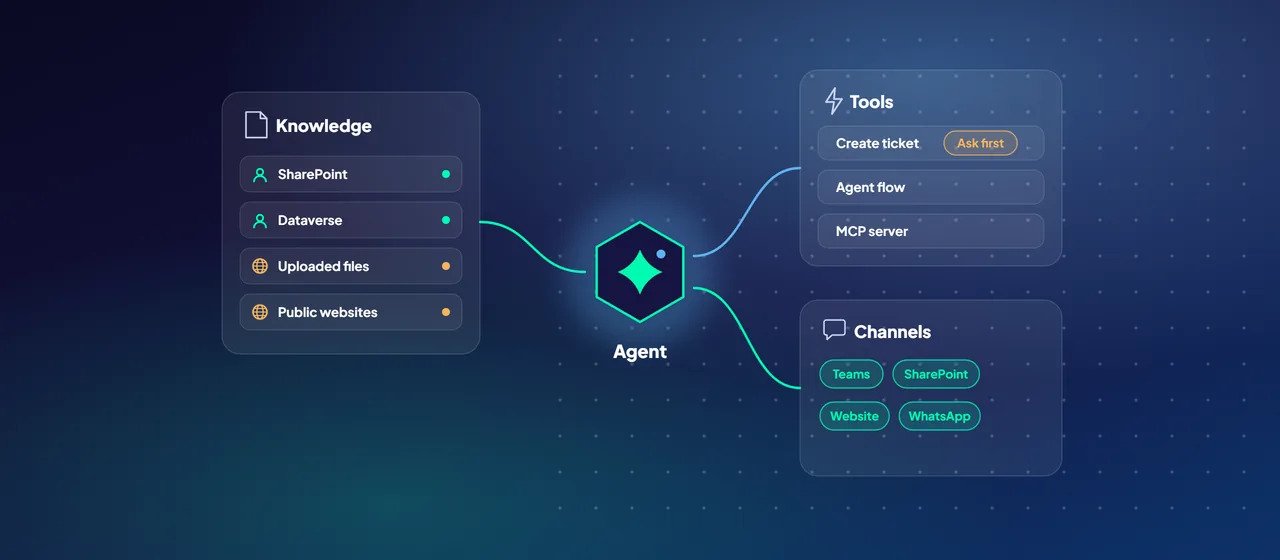
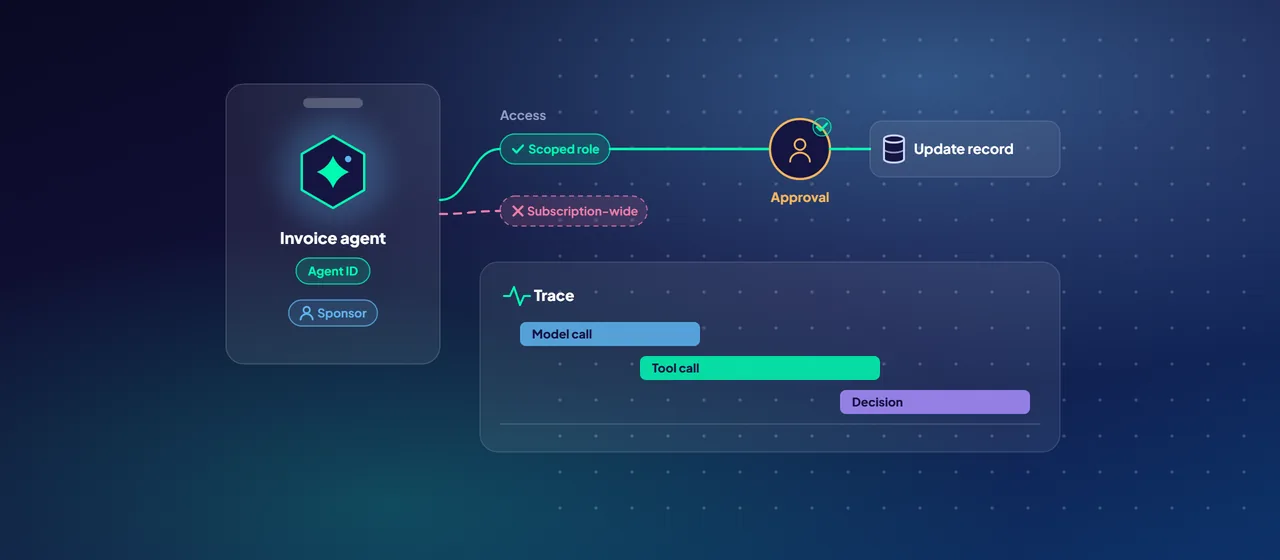
- Tasks, not answers. Opening a ticket or updating a record calls for an agent with tools and approval steps.
- Poor source content. If policies contradict each other or are out of date, RAG will faithfully cite the wrong one. Fix the content first.
- Specialized style or format. Fine-tuning can teach a model a particular output format or vocabulary. It doesn't replace retrieval for facts that change.
Where to start
Pick one well-bounded knowledge domain, such as HR policies or IT procedures, with a clear content owner and a clear permission model. Write 50 to 100 real questions with expected answers. Then run a pilot on Azure AI Search with security trimming and citations, and measure groundedness before you open it to more users. CloudGate runs scoped RAG pilots like this for organizations that want a partner on the first one.
Talk to an architect